Checking the available funds for printing postage
Check your funds for printing postage on your device at any time.
Viewing the amount available in your device
- Tap Envelope Printing on the Home screen.
- The Postage Balance shows the available funds in your device.

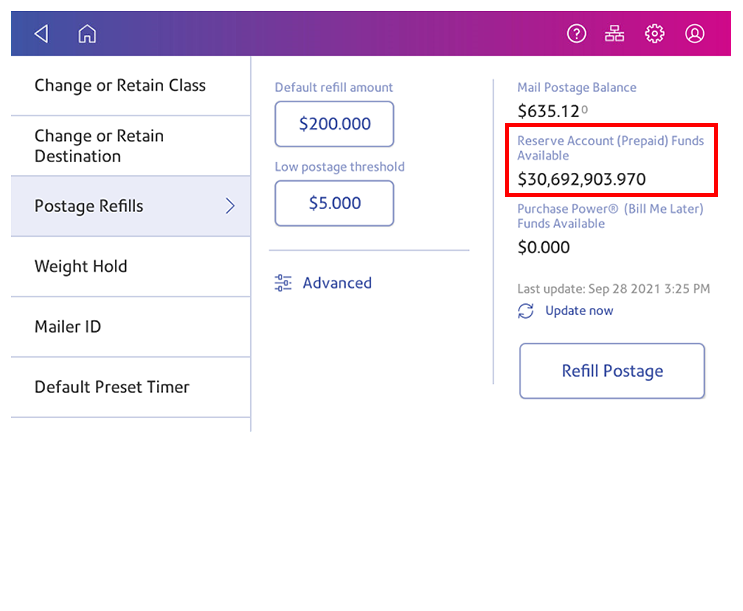
Viewing the amount available in your postage account at Pitney Bowes
- Tap Envelope Printing on the Home screen.
- Tap Postage Balance.
- Tap Settings.
- The balance in your postage account appears.