
Using the scale when printing postage
Use the scale to weigh your mail and calculate the correct postage for you.
- Tap Envelope Printing on the Home screen.
- Tap Weight.
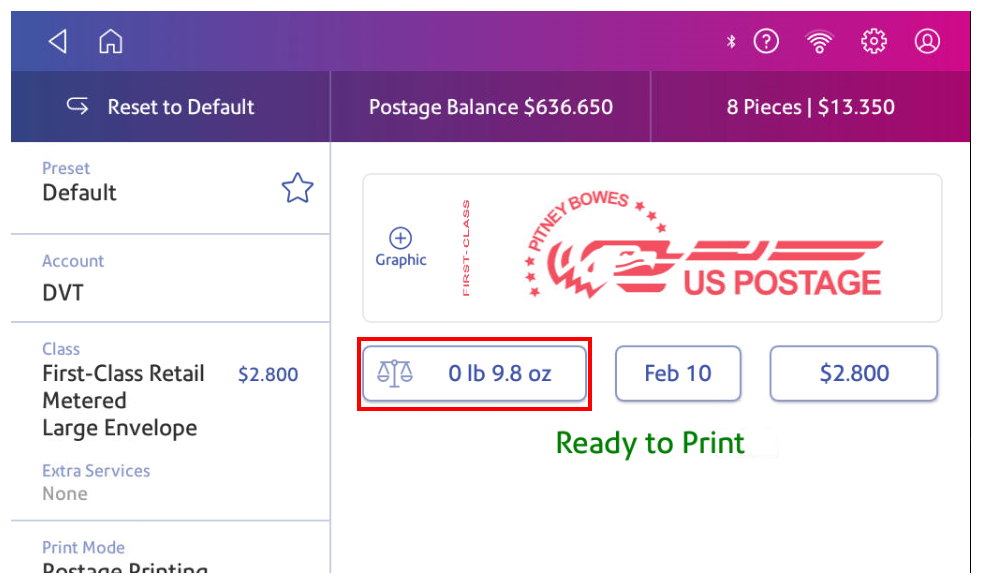
- Tap Scale.
- Place the envelope on the scale. You must do this before the next step or else the Apply button remains inactive.
- Tap Apply.
- Tap Class.
- Select Start Over to show the class options.
- Tap the class you want.
- Select special services, if required.
- Tap Apply.
- Place the envelope or envelopes on the feed deck. Depending on the SendPro C model you have, feed the envelopes manually or tap Start to feed the envelopes.